
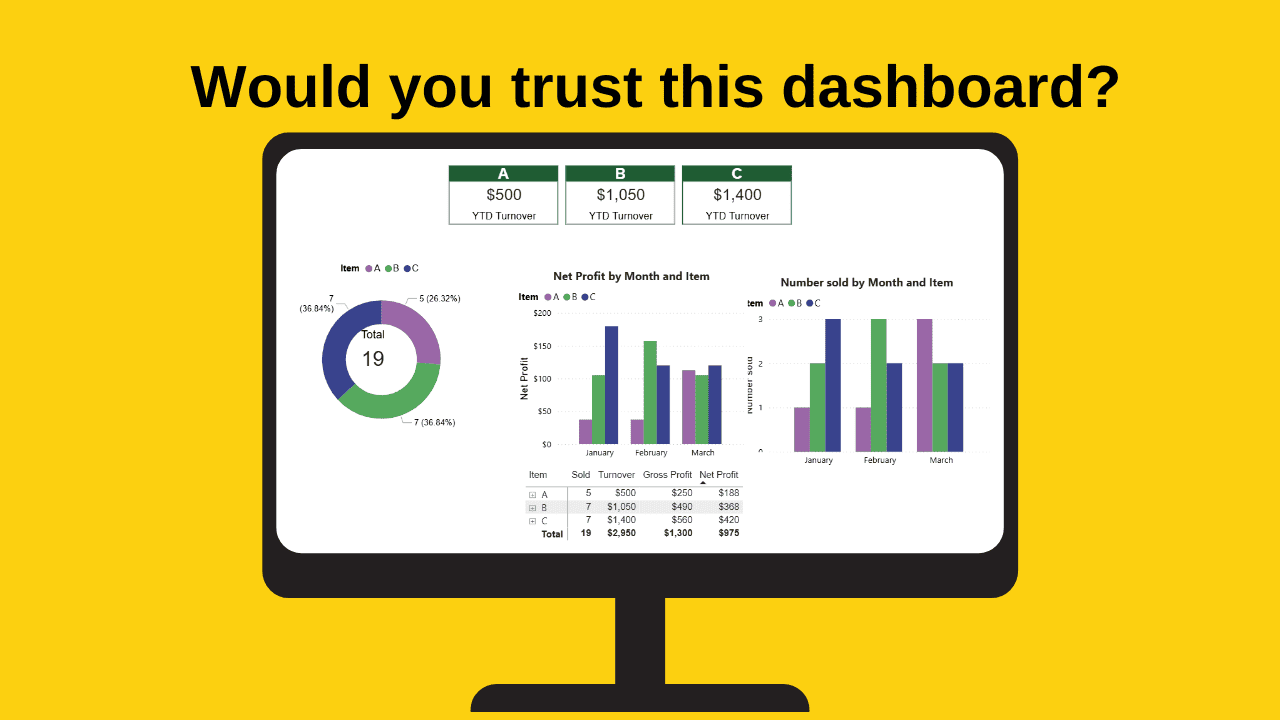
Have you ever looked at a dashboard and your gut is telling you that something feels slightly off, but you can’t quite put your finger on why?
The data is right. The calculations are correct. Yet you can’t help feeling something is not quite right.
That feeling is real, and it often has a simple explanation. When you look at anything visual, your brain processes the overall picture before you consciously read any of it. It notices inconsistencies automatically without you deciding to look for them. So, something can feel wrong before you have any idea what it is.
The first thing you notice on a dashboard is the layout. If the layout is slightly haphazard, then the dashboard can feel a little untidy, a bit unprofessional. A layout that feels unfinished can cause people to question the data even when the data is correct.
Let’s look at some of the most common layout issues which arise and why they matter.
Alignment — affects how the eye moves across the page
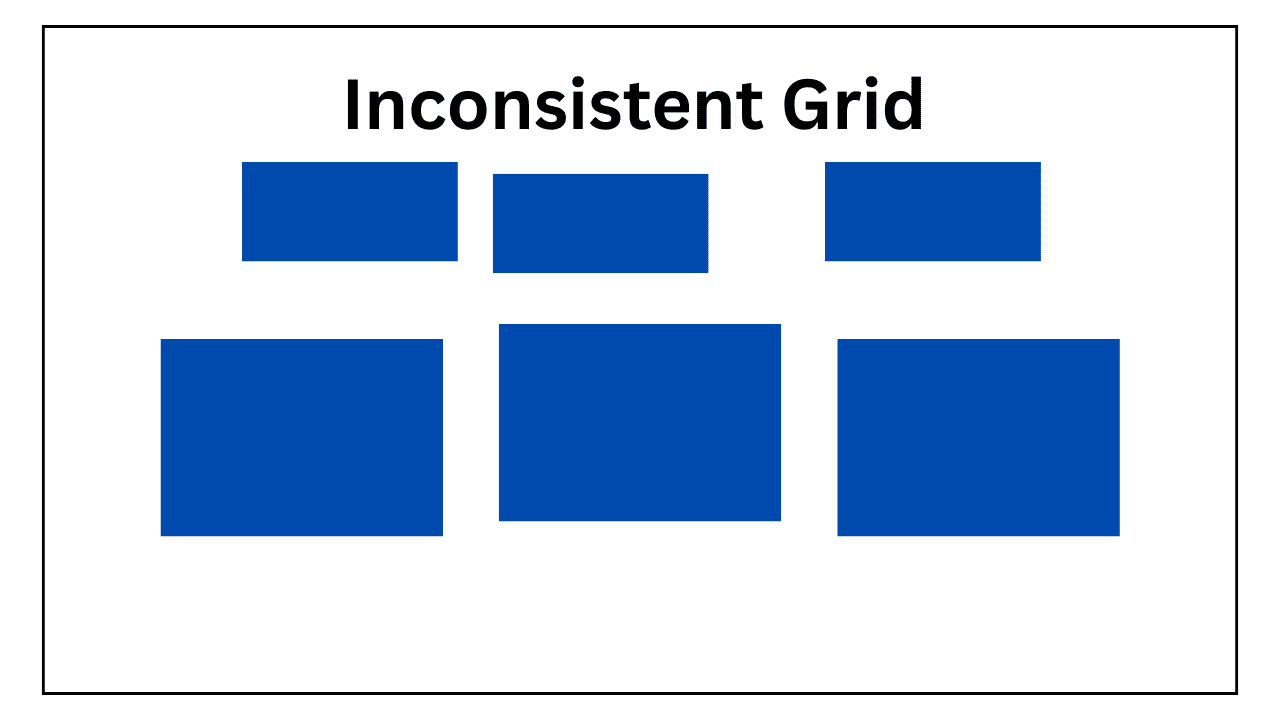
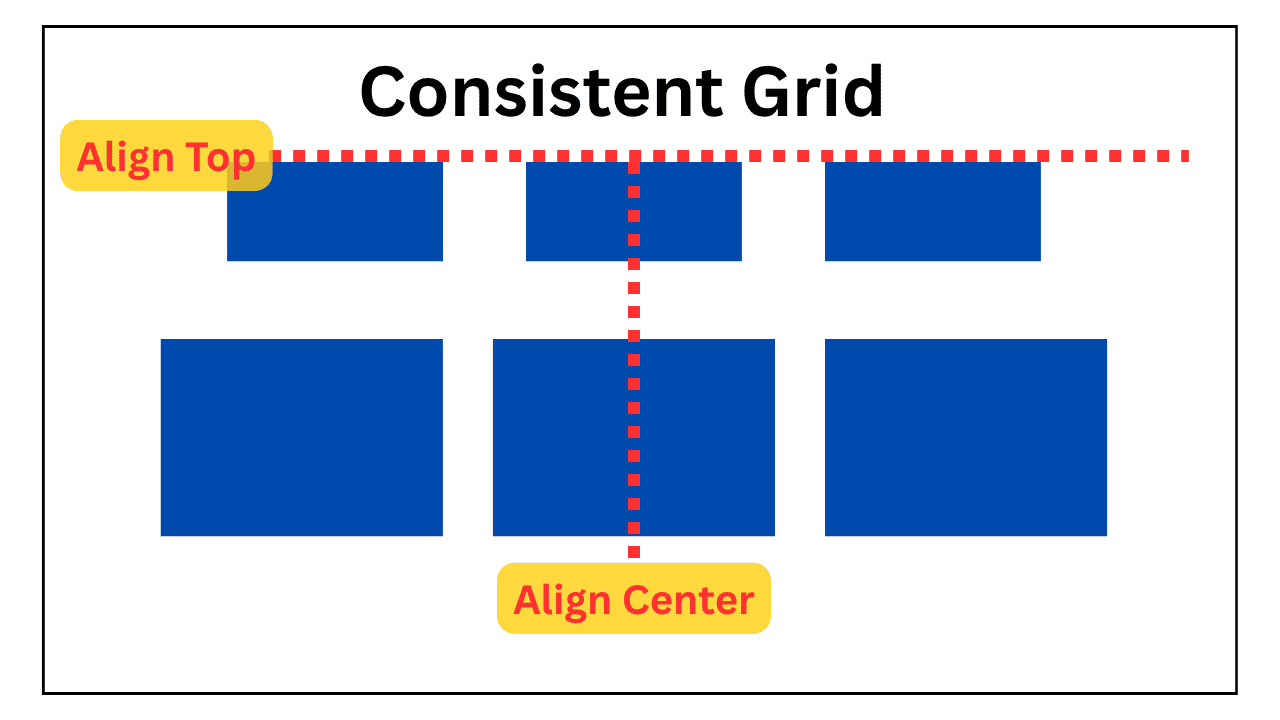
When charts sit in a clear, consistent grid, the brain processes information faster. There is less work involved in reading across the page because the eye knows where to look.
Ensuring charts sit in a clear row with the same base line makes it easier to compare information across a row.
Charts that are slightly out of alignment, even by a few pixels, require the brain to work harder to understand the data which is the opposite of what a dashboard is supposed to do.
Depending on the overall layout of the dashboard and the items therein, the alignment of the charts across a page, down a page, from the centre, and in relation to other items on the page, should be factored into the final check before a dashboard is issued.
When the items are neatly aligned, users tend to trust the dashboard more as it looks intentional and professional.
Sizing — affects comparison
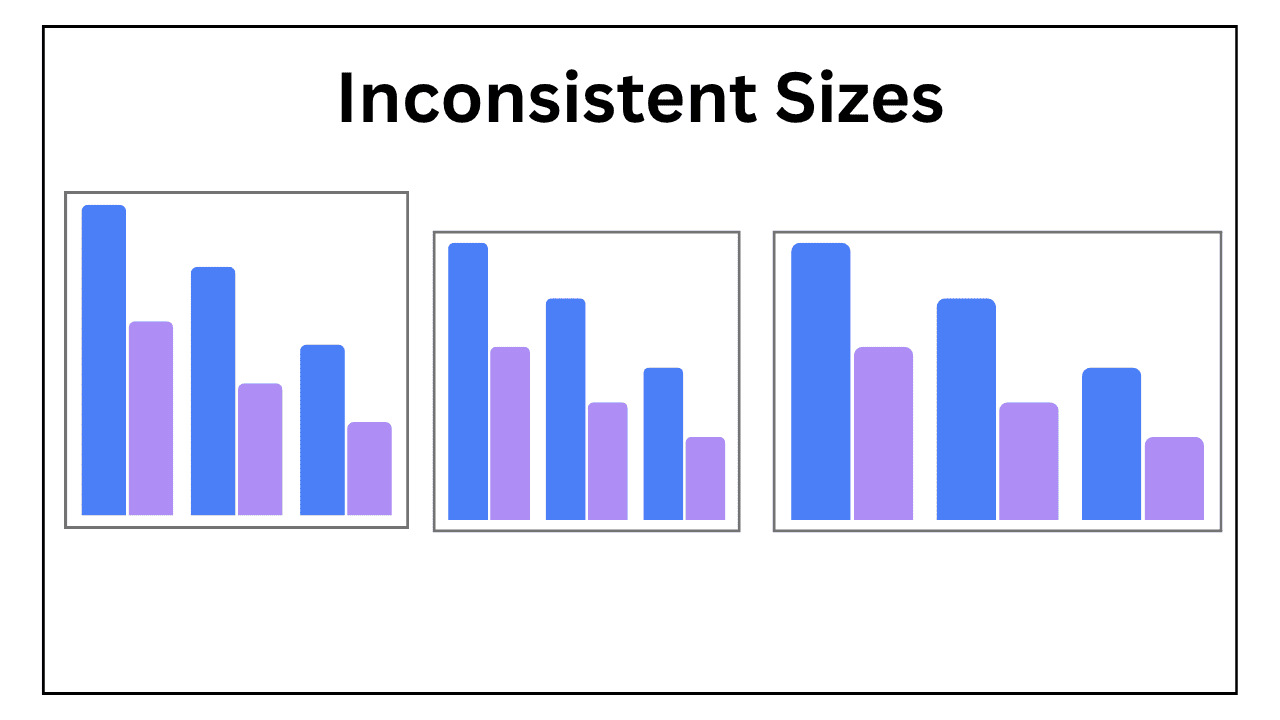
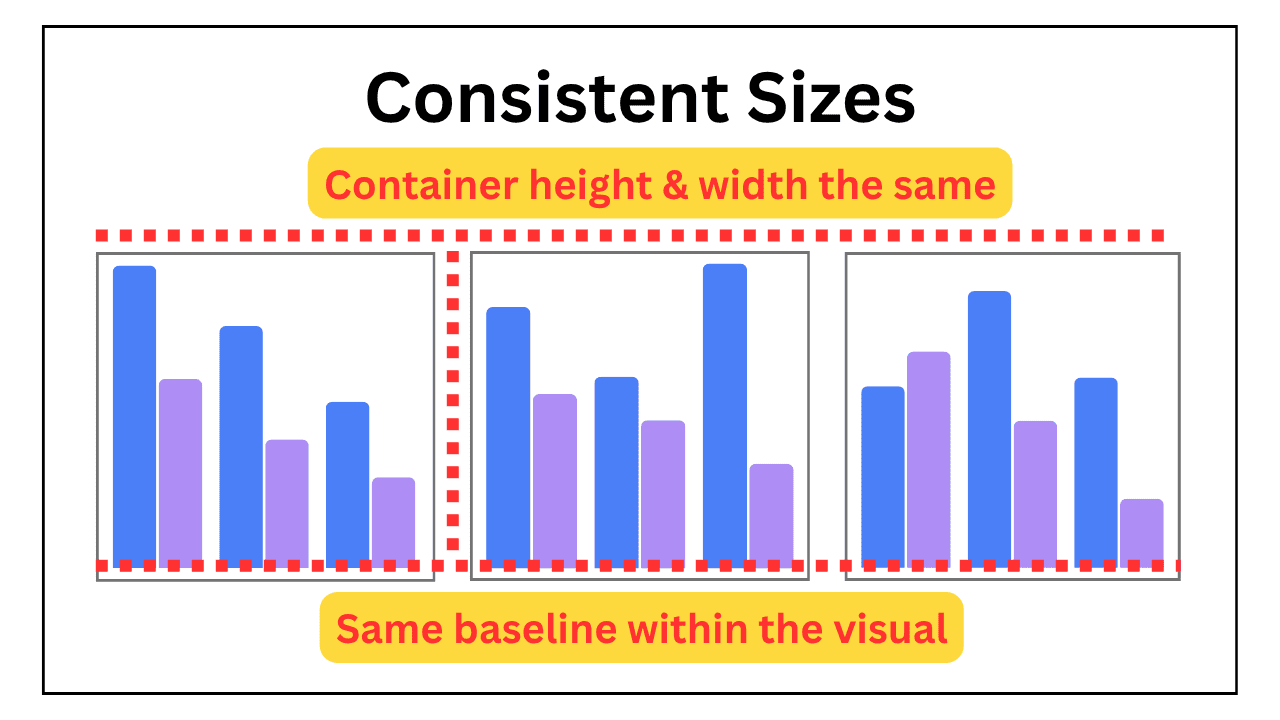
One of the main purposes of placing multiple charts of the same type on the same page is to allow the reader to compare information across them.
Charts in the same row that are of different heights or widths make it harder to make this comparison because they are not presenting data on the same scale.
There is also the risk that the data could be misinterpreted. At a glance, a larger or wider chart draws the eye and can feel more important than the one next to it, even when that is not the intention.
Getting sizes to match precisely is worth the effort. Consistent sizing makes a dashboard look more professional and communicates information more clearly.
Spacing — affects readability
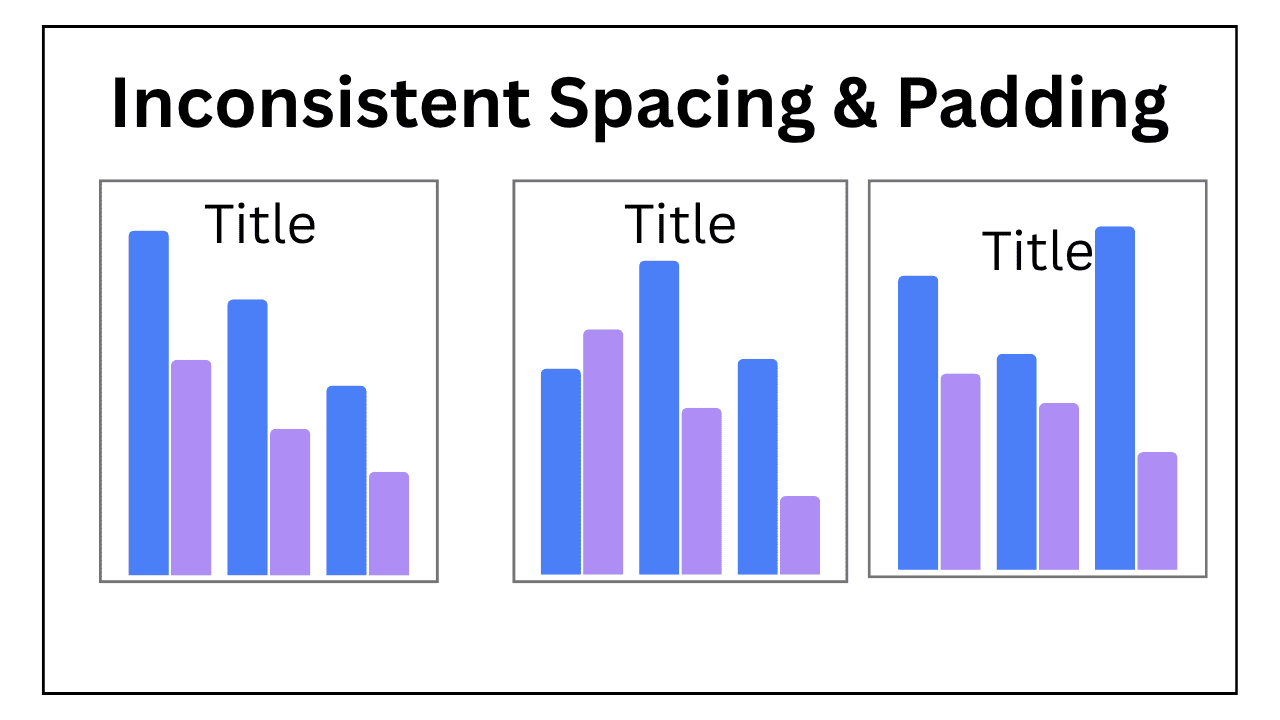
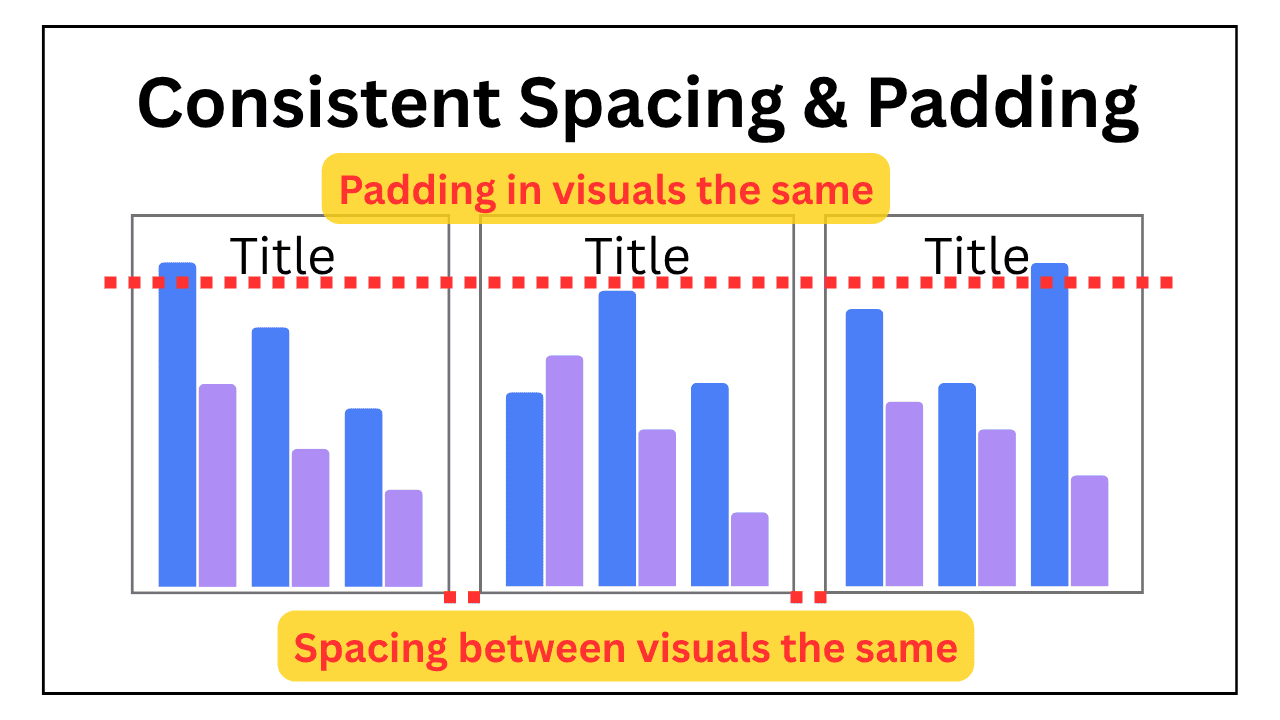
The spacing between charts on a page matters. When these are consistent the layout feels organised and the page is easier to read.
The spacing, or padding, between items inside a chart also matters. Two charts in the same row, where the charts themselves are the same size, can still look out of sorts if, for example, a title sits 10 pixels from the border in one chart, and 5 pixels in another.
Padding within charts is where inconsistency tends to hide and is not always obvious to spot.
Inconsistencies in spacing, even in small amounts, is often what makes a dashboard feel rushed rather than thought through.
With dashboards, first impressions matter
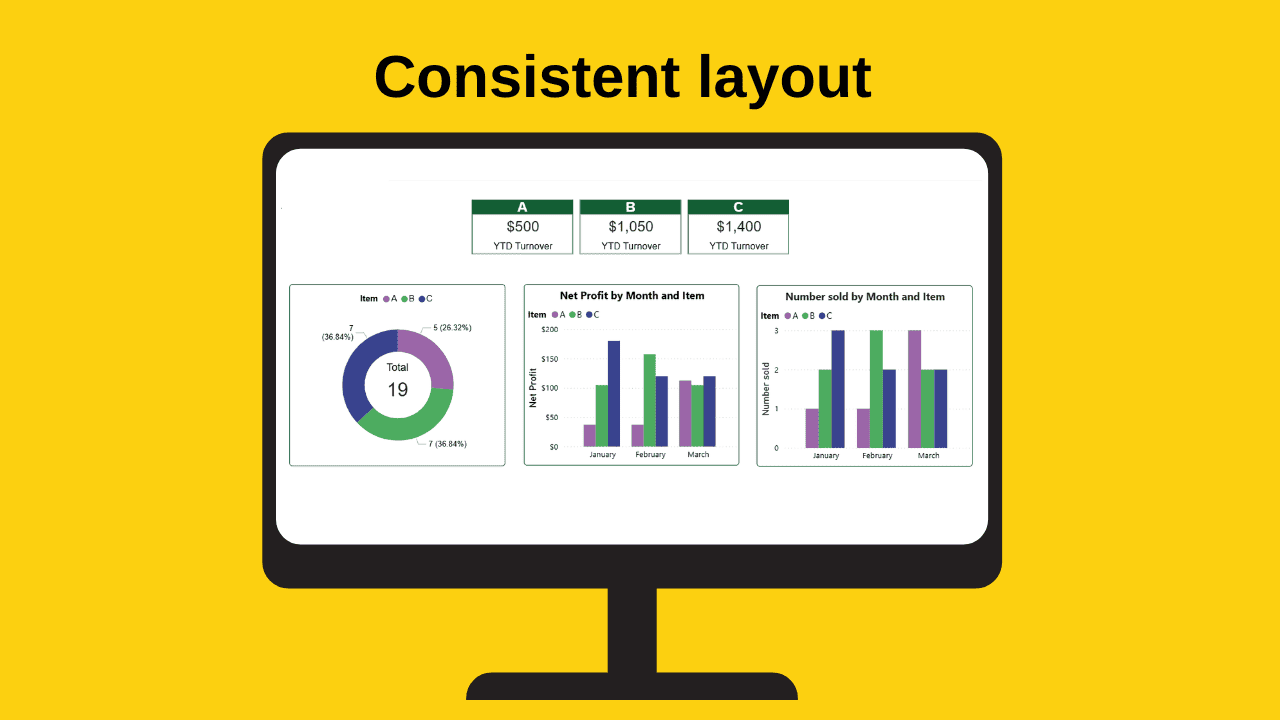
The technical work that goes into a dashboard is invisible. What is visible is the finished product.
The small finishing touches to the layout of charts on a dashboard matters. Not just aesthetically, but practically too.
A professional dashboard layout:
- makes communication clearer,
- helps build trust in the data,
- makes it easier for the brain to process the data, and
- it looks more professional.
There are a lot more things to think about in dashboard design, for example fonts, themes, layers, to name but a few, but if alignment, sizing, and spacing are considered they go a long way towards a more professional dashboard.